
Headless WordPress with Next.js: What It Is and Why It Matters for SEO

More businesses hear the phrase headless WordPress with Next.js, but few explain what it actually means — and even fewer how it affects Google rankings. This guide gets straight to the point: clear concepts, real benefits, and when it is worth considering.
You do not need to be a developer to grasp the idea. You do need to know what to expect before investing in an architecture different from a traditional WordPress theme setup.
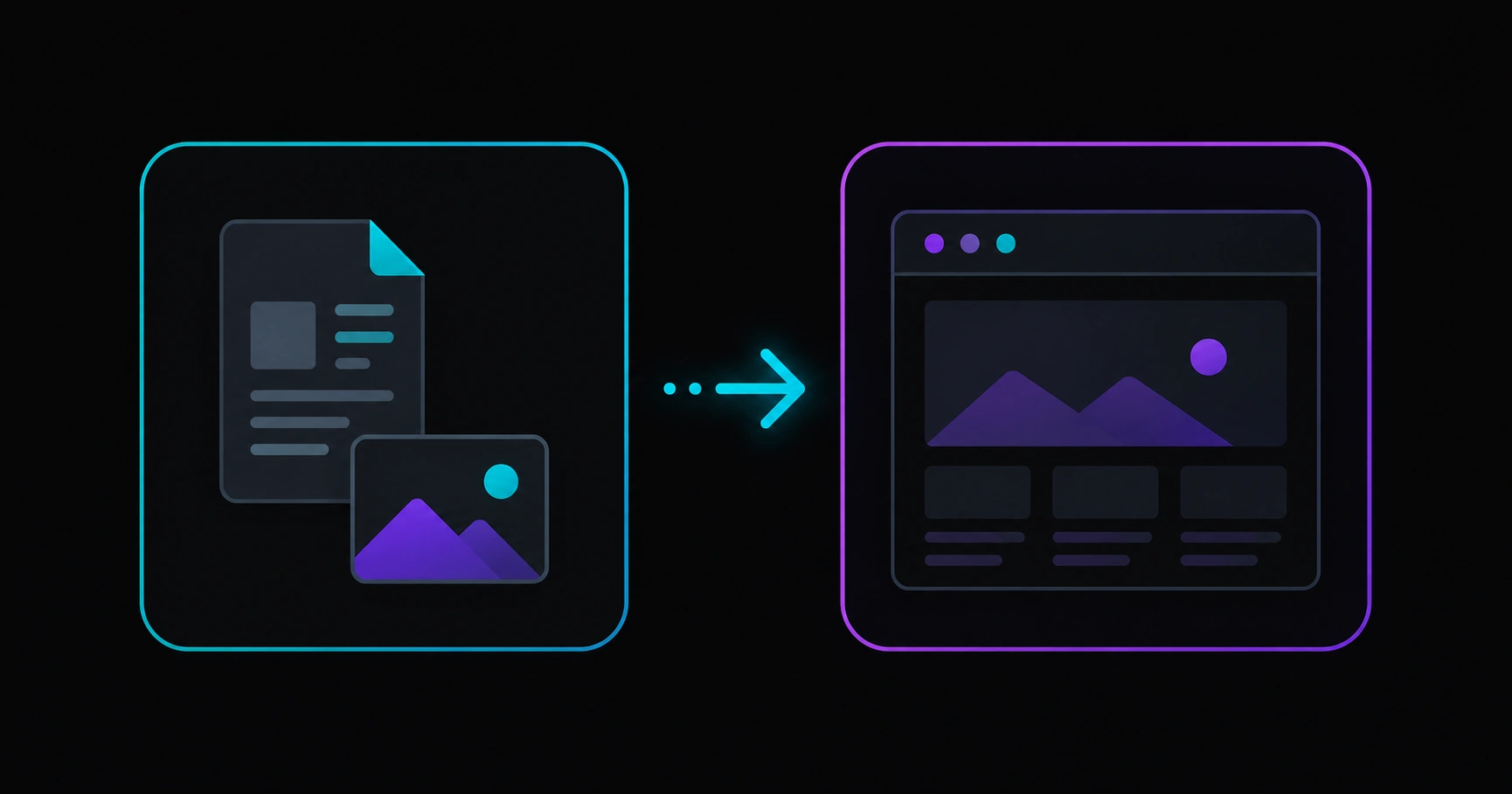
Table of contents
- What headless WordPress with Next.js means
- SEO and performance benefits
- When it makes sense (and when it does not)
- What to check before launch
- Common myths
- FAQ
What headless WordPress with Next.js means
In classic WordPress, the same system creates content and renders the site visitors see: you write a post in the dashboard and a PHP theme displays it.
In a headless approach, WordPress stays as the content hub: pages, blog posts, images, and copy live there. But the site users browse — and Google crawls — is built by another tool. In many modern projects, that layer is Next.js, a widely used framework for fast, scalable websites.
In short: headless WordPress with Next.js = content in WordPress + web experience in Next.js. They work together, each doing its job.
SEO and performance benefits
Google rewards useful, fast, technically sound sites. A well-executed headless project can help on three fronts:
1. Load speed
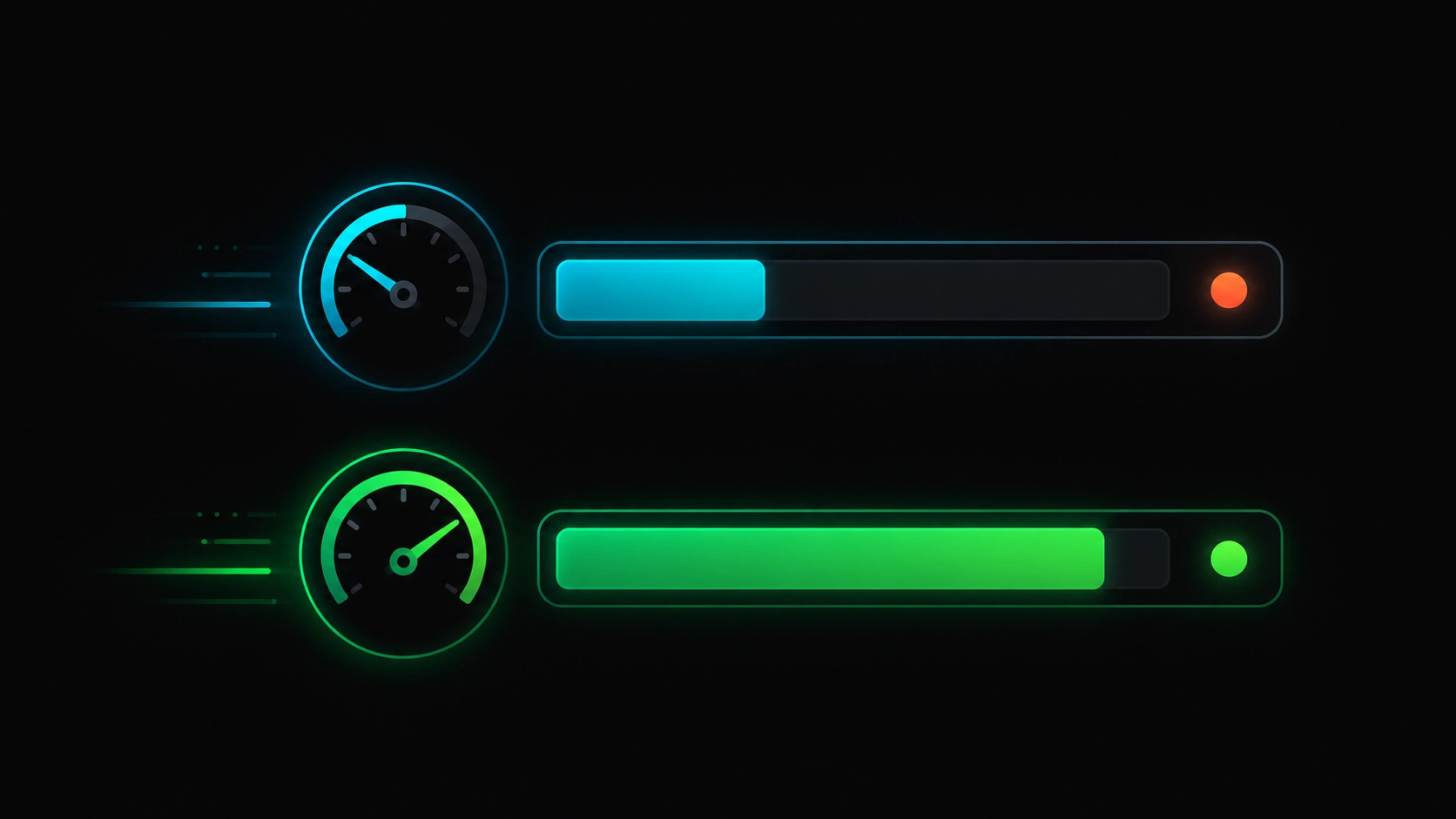
Generic WordPress themes often load scripts and styles every page does not need. A dedicated frontend can serve only what is required, improving metrics like LCP — one of the Core Web Vitals worth measuring first.
2. Control of public HTML
SEO depends on the HTML Google receives: titles, descriptions, internal links, structured data. Separating content from presentation lets you optimize that layer without disrupting the editorial workflow in WordPress.
3. Product scalability
If your site is not just a blog — service landings, interactive tools, client areas — Next.js fits better than a monolithic theme. More flexibility usually means better user experience, which also influences quality signals.
When it makes sense (and when it does not)
| Scenario | Headless + Next.js? |
|---|---|
| Company site with blog and service landings | Yes, if you want performance and medium-term growth |
| Personal blog or small site with few yearly updates | Probably not — a solid WordPress theme is enough |
| Standard WooCommerce store with limited technical budget | Evaluate carefully — complexity increases |
| SEO and speed as a competitive edge | Yes — one of the most common reasons |
| Team with no developers and no maintenance agency | Not recommended — ongoing technical support is required |
Headless is not a trend for its own sake: it is a bet on separating content from the web product. If you only publish occasional posts and never touch code, stay on classic WordPress. If you compete for Google rankings in demanding niches, it is worth exploring.
What to check before launch
Before calling a headless wordpress nextjs project done, validate the essentials — without diving into implementation details:
- Mobile speed: test key pages with PageSpeed Insights or a simulator. Failing on mobile will hurt SEO.
- Google indexing: check Search Console. Important URLs should crawl without mass errors.
- Unique titles and descriptions: every page needs its own search snippet.
- Internal links: blog, services, and contact should connect logically.
- Editorial experience: the team writing content must publish in WordPress without friction.
To go deeper on measurement tools, see our SEO DevTools guide.
Common myths
“Headless is bad for SEO”
False. Google indexes the public site, not the WordPress dashboard. If that layer is fast, clear, and error-free, headless can rank as well as or better than a generic theme.
“WordPress becomes useless”
Not at all. It remains the content engine. What changes is who designs the building facade.
“Next.js is only for Silicon Valley developers”
It is widely used by agencies and digital products. What matters is having someone to maintain it.
“Moving to headless fixes SEO overnight”
Architecture helps, but content, authority, and ongoing monitoring remain essential.
FAQ
How much does a headless WordPress + Next.js project cost?
It depends on scope: number of templates, languages, integrations, and maintenance. It usually costs more than a premium theme, but less than rebuilding the site every two years because of performance issues.
Can I still edit content the same way?
In most setups, yes. WordPress remains the editing panel. What changes is how that content appears on the final site.
Does it work for multilingual SEO?
Yes, but it requires planning. Each version of a page must be clear for Google and users, without careless duplicate content.
How is this different from “Next.js vs classic WordPress for SEO”?
This post explains the combination of both. A direct comparison of approaches is covered in a dedicated blog article.
Considering headless WordPress?
Veloce Devs helps companies and technical teams with fast websites, solid SEO, and custom digital products. Tell us about your project.