WhatsApp Business Bot Guide: Automate Sales and Support
Millions of commercial conversations happen on WhatsApp every day. The channel is not the problem — slow replies cost sales. A well-designed WhatsApp Business bot responds instantly, qualifies leads, and frees your team to close deals instead of repeating the same answers.
This guide explains what it is, when it makes sense, and what to measure before you invest — without assuming you already master the API or automation stack.
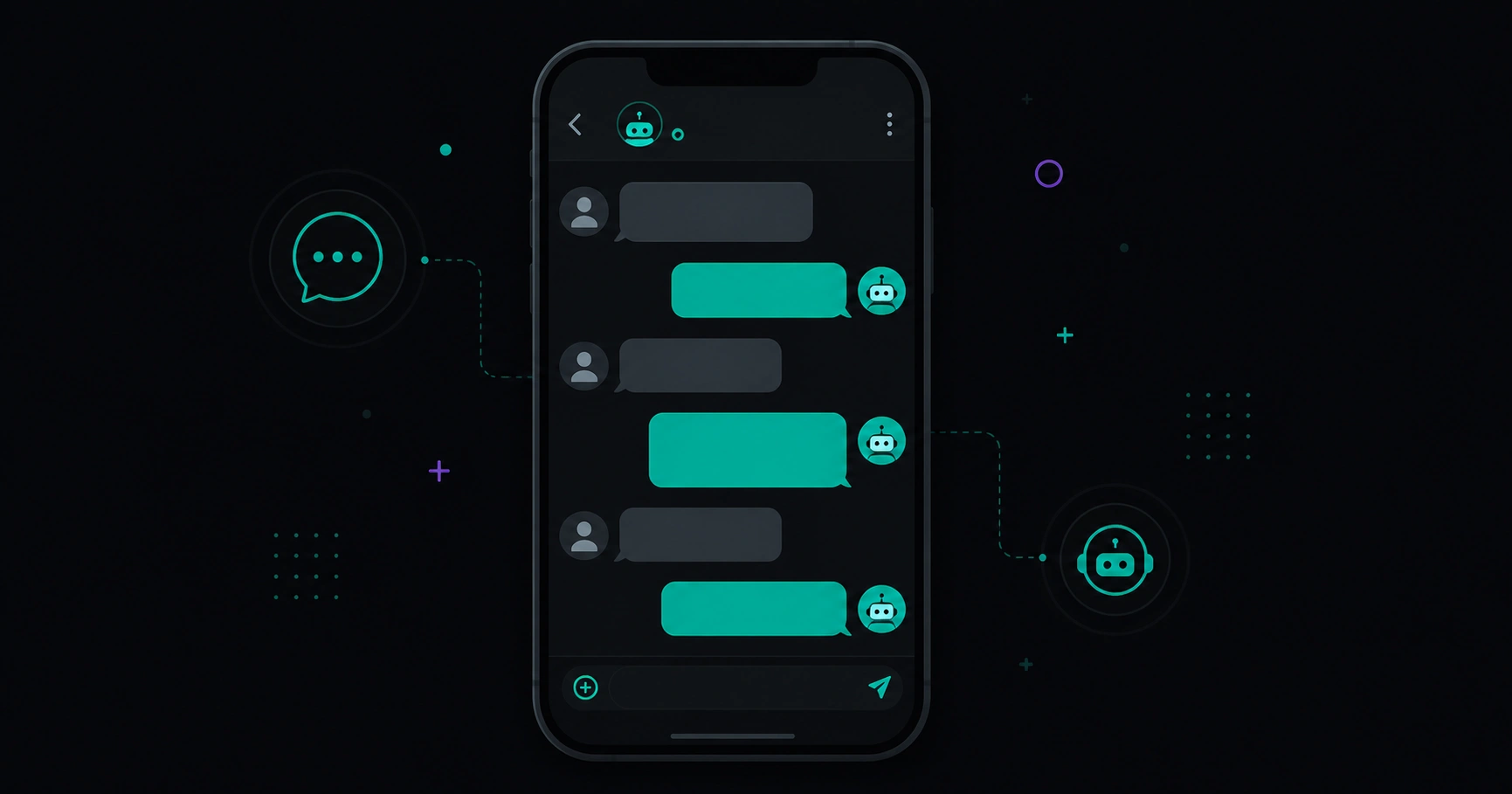
Table of contents
- What a WhatsApp Business bot is
- Regular WhatsApp vs WhatsApp Business
- Use cases that work best
- When it makes sense (and when it does not)
- What to evaluate before implementation
- What to measure to know it works
- Common mistakes when starting
- Common myths
- FAQ
What a WhatsApp Business bot is
A WhatsApp Business bot is an automated system that replies on WhatsApp using rules, flows, or conversational intelligence. It can:
- Greet visitors and route them by intent (buy, support, book).
- Answer FAQs with up-to-date information.
- Collect data (name, email, order ID) before handing off to a person.
- Send reminders or confirmations within platform limits.
It is not a generic web chat widget. It runs on an official WhatsApp Business account (or the WhatsApp Business API for higher volume), with approved templates and messaging policies you must follow.
The goal is not to trick customers into thinking they always talk to a human — it is to reduce friction: instant response, fewer lost leads, and human conversations reserved for when they add value.
Regular WhatsApp vs WhatsApp Business
| Aspect | Personal / basic Business app | Bot + WhatsApp Business API |
|---|---|---|
| Volume | Few simultaneous chats | Scalable for many chats and multiple agents |
| Automation | Limited quick replies | Flows, menus, CRM or store integrations |
| Team | One shared phone | Multiple agents, queues, centralized history |
| Proactive messages | Very restricted | Approved templates for notifications (orders, appointments) |
| Best for | Solopreneurs with low volume | Clinics, agencies, e-commerce, daily inbound leads |
If you reply from a single phone today and the bottleneck is human bandwidth, a bot will not fix missing processes — but it will remove wait time on questions repeated every day.
Use cases that work best
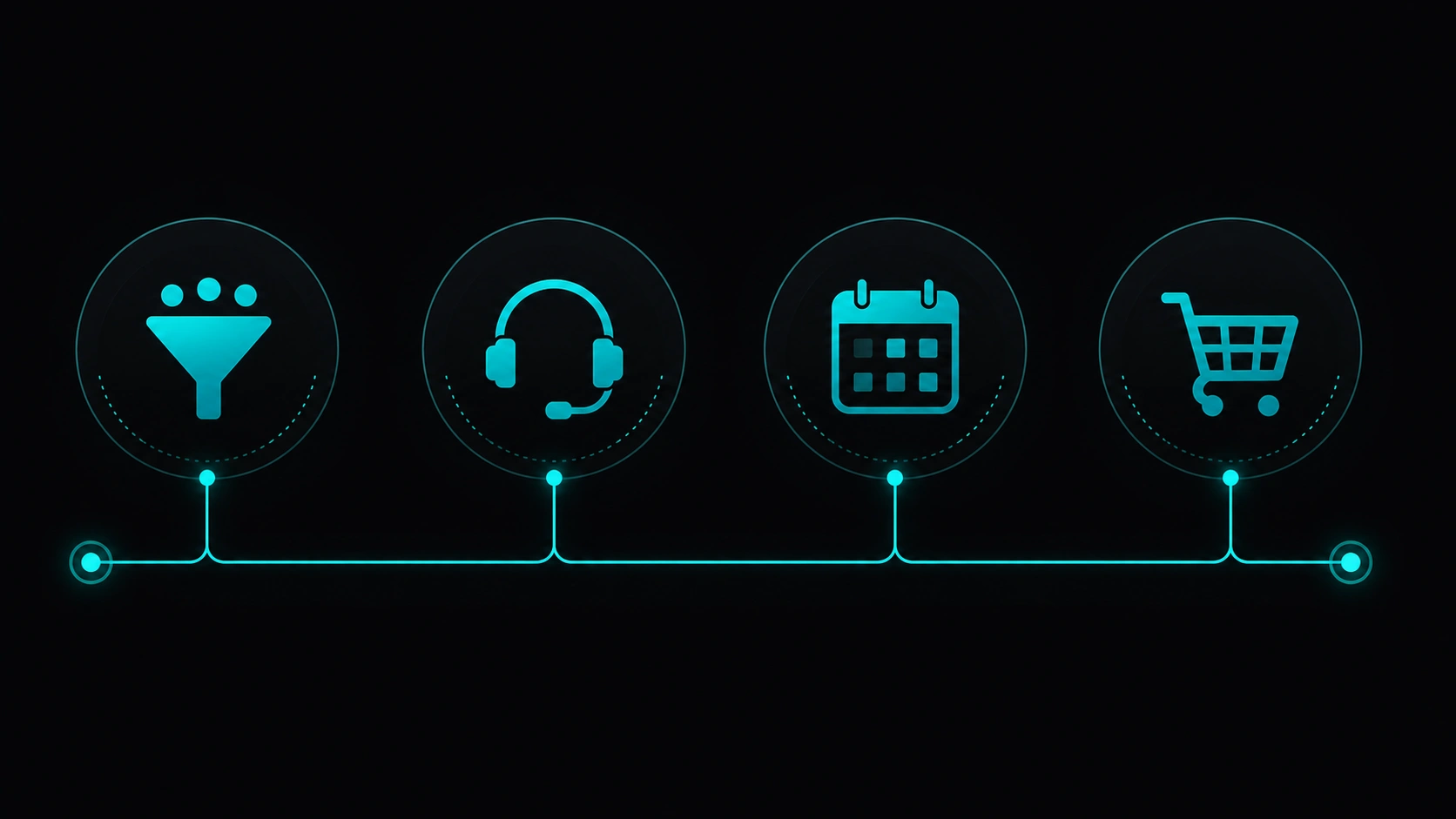
1. Lead capture and qualification
The bot asks about budget, location, service, or urgency and tags the thread. Sales receives filtered prospects, not bare “hi, info” messages.
2. Support and FAQ
Hours, ballpark pricing, order status, return policy. Consistent answers you can update without retraining the whole team.
3. Bookings and appointments
Clinics, agencies, workshops: the bot offers slots, confirms, and sends reminders. Cuts no-shows and missed calls after hours.
4. Cart recovery or sales follow-up
In e-commerce, a timely message (within WhatsApp rules) can revive abandoned carts — always with clear customer opt-in.
When it makes sense (and when it does not)
| Scenario | WhatsApp Business bot? |
|---|---|
| Many repetitive messages outside business hours | Yes — fast impact on response time |
| Every chat is unique, high-ticket bespoke consulting | Partial — triage only |
| Low volume (< 5 chats/week) | Probably not — the Business app is enough |
| You need chat connected to CRM, billing, or inventory | Yes — integrated automation shines here |
| You want to fully replace the sales team | No — human closing still matters in many sectors |
What to evaluate before implementation
- Opt-in and privacy: users must know they message your business and how you handle data (GDPR / local rules).
- Brand voice: the bot sounds like your company — formal, friendly, technical — not a generic robot.
- Human handoff: define when an agent takes over and maximum wait time.
- Maintainable content: pricing, hours, and catalog should update in one place, not ten documents.
- Templates and messaging windows: business-initiated messages have rules; plan notifications ahead.
- Language and market: if you serve ES and EN, the flow should detect language or ask upfront.
To see how automation fits a broader digital strategy, visit the Veloce Devs AI automation landing.
What to measure to know it works
- First response time — before and after the bot.
- Conversations resolved without a human — solid FAQs vs escalations.
- Qualified leads per week — not just chat volume.
- No-show rate for appointments (if applicable).
- Satisfaction or feedback — short survey after closing the chat.
Without metrics, the bot becomes a fixed cost. With them, you can iterate copy and flows every month.
Common mistakes when starting
- Flow too long — five questions before helping. Prefer a short menu and “talk to a person.”
- No maintenance — the bot quotes 2024 prices. Hurts trust more than silence.
- No human exit — frustrated customers cannot reach anyone.
- Proactive spam — unsolicited messages that break policies and get numbers blocked.
- Ignoring local hours — “online” at 3 AM with no agents creates broken promises.
Common myths
“A bot kills sales”
A slow, confusing bot does. One that replies in seconds and passes hot leads to sales often warms the conversation.
“WhatsApp Business API is only for enterprises”
Volume and complexity raise cost, but SMBs with steady flow also benefit when ROI is clear.
“AI does everything alone”
AI helps interpret intent and draft replies, but you still need business rules, human review, and limits on what it can promise.
“Install a plugin and you are done”
Technology is the visible part. Flow design, integrations, and compliance make the difference.
FAQ
How much does a WhatsApp Business bot cost?
It depends on API provider, conversation volume, integrations (CRM, store, calendar), and whether maintenance is included. Entry plans exist for simple flows; complex operations scale up.
Can I keep my current WhatsApp number?
API migration often requires a dedicated number or business verification. Confirm with your provider before risking the number customers already use.
Can the bot send mass promotions?
Only within WhatsApp rules: you generally need prior consent and approved templates. Spam hurts the account.
Do I need developers to maintain it?
Simple flows can be edited in no-code panels. Advanced integrations (inventory, billing, CRM) usually need periodic technical support.
Does a bot improve my website SEO?
Not directly. It improves experience, conversions, and business signals. Organic traffic still depends on content and technical SEO — for example, a fast site helps visitors from Google trust the jump to WhatsApp.
Want to automate WhatsApp for your business?
Veloce Devs builds WhatsApp Business bots, AI-powered flows, and integrations with your daily operations. Try the simulator on our AI landing or get in touch.