
Next.js vs Classic WordPress for SEO: How to Choose in 2026

The question Next.js vs classic WordPress for SEO shows up in almost every product meeting: migrate, stay put, or mix both? There is no universal answer. Google does not rank a framework — it ranks pages that are useful, fast, well linked, and technically sound. What changes is how much effort each approach takes to get there.
This guide compares both paths through SEO and operations: what you control, what typically breaks, and when each option fits. If you want a third path (WordPress as CMS + modern frontend), we point to a dedicated article on headless WordPress with Next.js below.
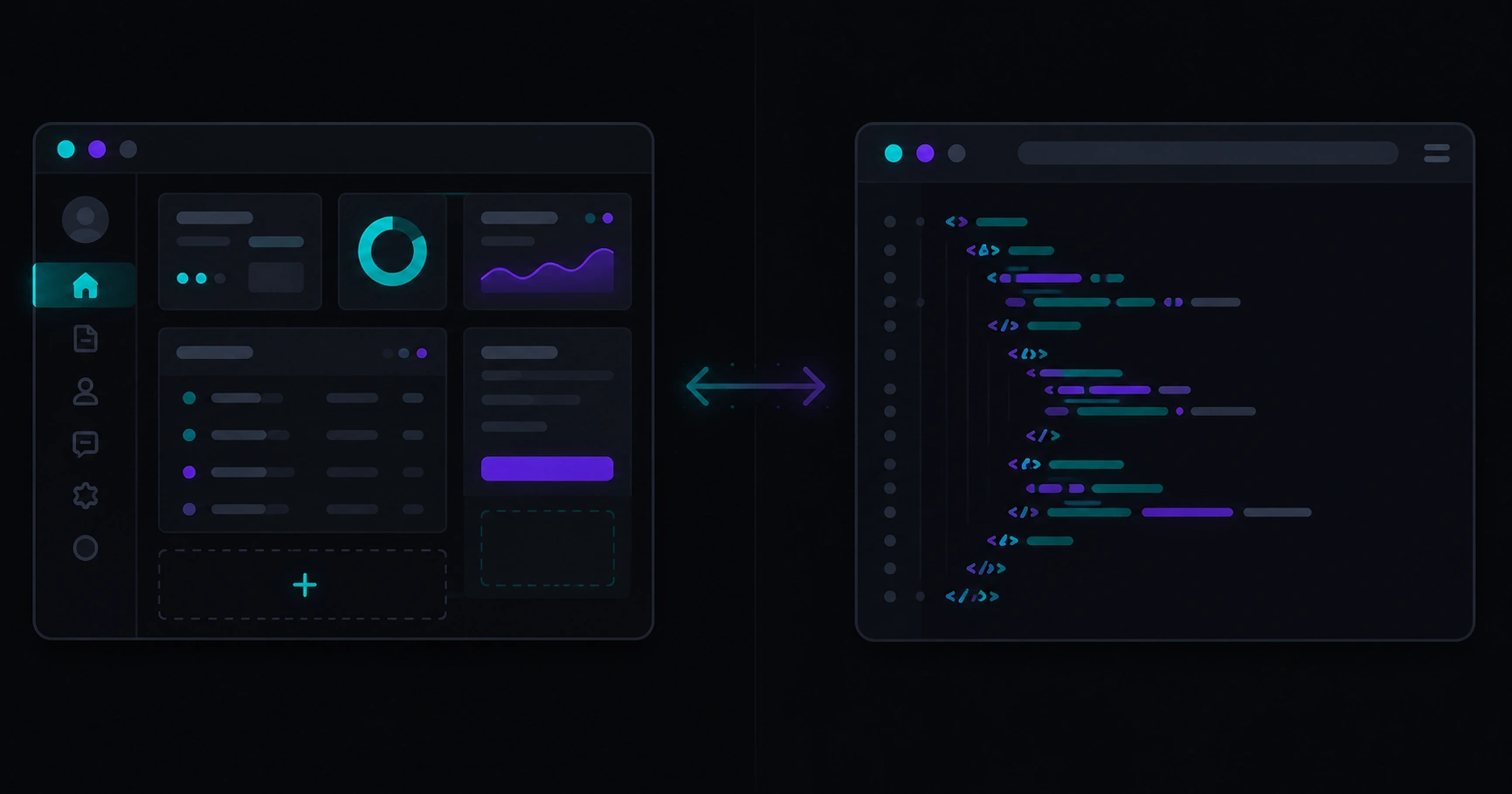
Table of contents
- What you are actually comparing
- Technical SEO: classic WordPress vs Next.js
- Performance and Core Web Vitals
- Content, plugins, and maintenance cost
- When to choose WordPress, Next.js, or hybrid
- Checklist before changing stacks
- Common myths
- FAQ
What you are actually comparing
Classic WordPress is a full stack: you create content in the dashboard and a theme (PHP) renders what users and Google see. Plugins add SEO, cache, forms, commerce, and more.
Next.js is a framework for the web layer (pages, routing, interactivity). It does not ship an editorial panel out of the box — content may come from a CMS, files, a database, or APIs. For SEO, what matters is the HTML delivered to crawlers, not the framework name.
In practice, nextjs vs wordpress seo often blends three different scenarios:
- WordPress with theme + Yoast (or similar) — the most common case.
- Next.js with static content or a headless CMS — maximum frontend control.
- Headless WordPress + Next.js — edit in WP, ship an optimized public site.
Confusing “pure Next.js” with “headless” leads to unrealistic budgets and timelines. Clarify that before asking for quotes.
Technical SEO: classic WordPress vs Next.js
| SEO factor | Classic WordPress | Next.js (well executed) |
|---|---|---|
| Titles and meta descriptions | Mature SEO plugins, familiar UI for marketing | Full control in templates; needs discipline or CMS SEO fields |
| URLs and canonicals | Common patterns; duplicate risk when plugins misconfigured | Explicit routes; fewer surprises if architecture is planned |
| Sitemap and robots | Automatic generation via plugins | Manual or library-driven; highly flexible |
| Structured data | Plugins add JSON-LD; quality varies | Custom schema per template; more upfront work, more precision |
| Multilingual | Plugins (Polylang, WPML) widely used | Feasible, but hreflang and routes must be designed from day one |
| JS indexing | Less JS on light themes; heavy themes complicate | SSR/SSG serves full HTML; ideal for crawlers when not client-only |
Neither column wins everywhere. WordPress shortens the path for teams that live in the dashboard. Next.js rewards teams that want a custom web product without dragging a generic theme’s weight.
To prioritize what to measure before debating frameworks, see SEO for developers: what to measure first.
Performance and Core Web Vitals
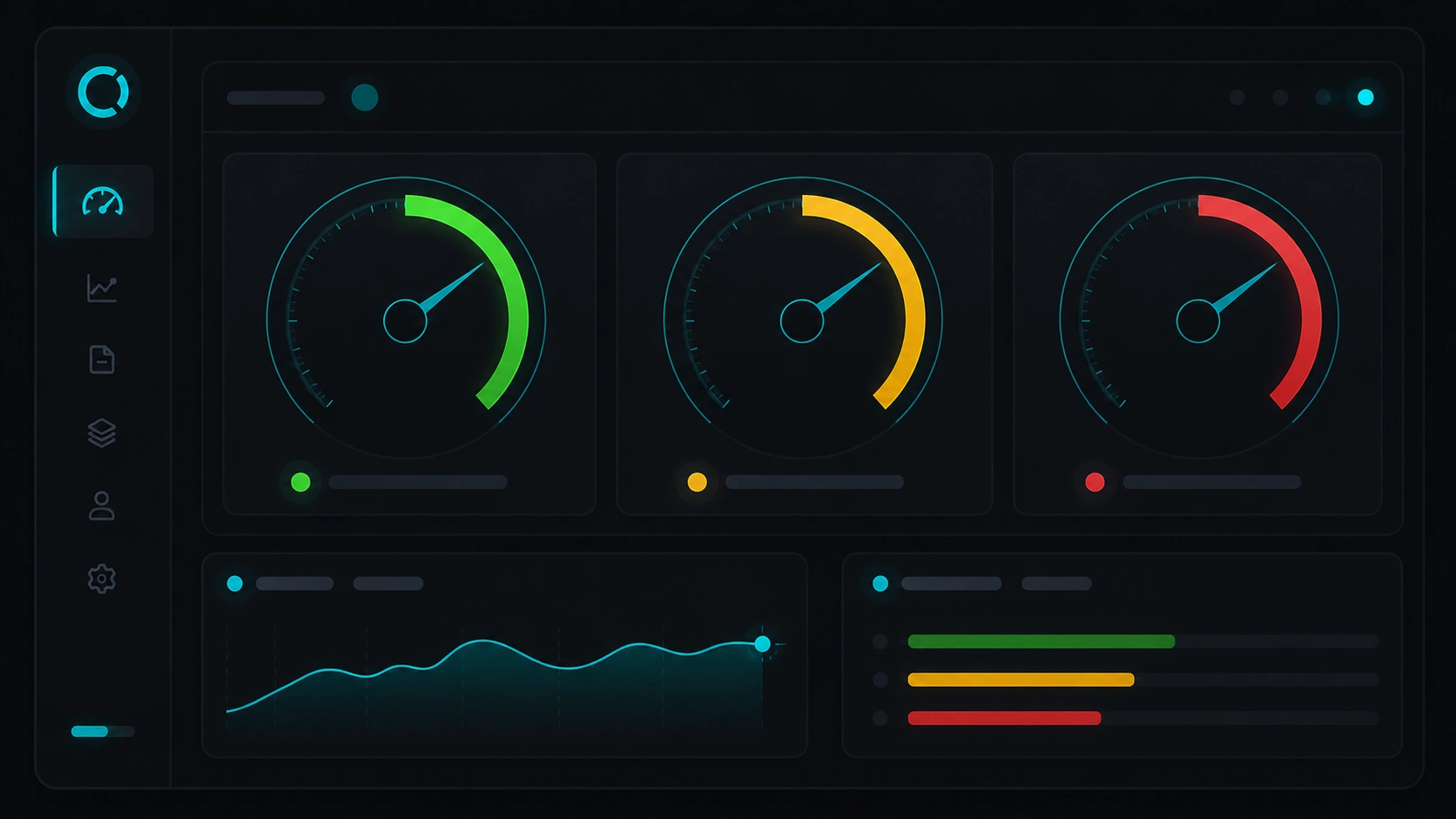
Speed is not the only ranking factor, but Core Web Vitals reflect real experience — especially on mobile. That is where classic WordPress often struggles: multipurpose themes, page builders, dozens of active plugins, and scripts loaded on every URL.
Next.js is not magic: a poorly optimized frontend (huge images, uncontrolled fonts, excessive hydration) also fails PageSpeed. The advantage is you can design each page to load only what it needs, with server or static rendering when it helps.
- LCP: WordPress improves with hosting, cache, and image optimization; Next.js with responsive images, CDN, and priority HTML.
- INP / interactivity: Less third-party JavaScript on a dedicated frontend usually helps.
- CLS: Solid themes vs careless builders can break layout; in Next.js it depends on components and reserving space for media.
Go deeper on meaning and interpretation in Core Web Vitals explained: what to measure and why SEO cares.
Content, plugins, and maintenance cost
SEO does not end at launch. Someone publishes posts, updates landings, fixes broken links, and plans redirects when URLs change.
Classic WordPress
- Pros: low editorial learning curve, plugin ecosystem, WordPress-skilled hires are common.
- Cons: plugin/theme updates, conflicts, security, performance drift without a technical owner.
Next.js
- Pros: modern codebase, CI/CD, fewer “plugin X broke SEO” surprises.
- Cons: developers needed for structural changes; without a CMS, marketing depends on tickets for simple edits.
The hidden SEO cost is usually maintenance, not theme licensing. Well-governed WordPress can last years; undocumented Next.js becomes a black box.

When to choose WordPress, Next.js, or hybrid
| Scenario | Guidance |
|---|---|
| Small corporate site or blog, few templates, non-technical team | Classic WordPress + light theme + SEO plugin + cache |
| Standard WooCommerce store with many payment/shipping extensions | Classic WordPress (headless here often adds pain without clear upside) |
| Aggressive CWV marketing, custom landings, interactive tools | Next.js or headless with a known CMS |
| Strong WordPress editorial team but slow site because of the theme | Headless hybrid — keep the dashboard, rebuild the frontend |
| Startup still validating product and content | Avoid over-engineering; solid WordPress or minimal Next.js landing until traction |
| Serious multilingual SEO (ES/EN/+) with paired translated URLs | Both work; WordPress + language plugin is the fast path; Next.js needs hreflang design on day one |
If your row is “hybrid,” the next conceptual step is headless WordPress with Next.js — not the only way to combine both, but the most common pattern in 2026.
Checklist before changing stacks “for SEO”
- Baseline: Search Console + PageSpeed on URLs that matter (home, categories, top posts).
- Honest diagnosis: is the bottleneck the CMS or a misconfigured theme/plugin/cache?
- URL map: planned 301 redirects; do not launch without equivalents.
- Indexable content: same (or better) titles, H1, internal links, and schema.
- Team: who publishes, who deploys, who responds if the site goes down?
- 24-month budget: hosting, licenses, dev hours, periodic SEO audits.
Migrating WordPress → Next.js (or the reverse) for technical reputation alone, without a checklist, is one of the most expensive ways to lose stable traffic.
Common myths
“Google prefers Next.js”
Google prefers fast, clear, well-linked pages. The framework is invisible when HTML and technical signals are correct.
“WordPress is dead for SEO”
A large share of the web runs on WordPress and ranks fine. What fails is a bloated theme with no maintenance.
“With Next.js I do not need technical SEO”
You still need canonicals, sitemaps, redirects, structured data, and Search Console monitoring.
“Headless is always the perfect middle ground”
It adds complexity (two systems, APIs, content preview). It pays off when the frontend is the bottleneck, not the dashboard.
FAQ
Next.js or WordPress for an SEO-first blog?
For most small and mid-size teams, WordPress with a fast theme, solid SEO plugin, and editorial discipline gets results sooner. Next.js pays off when the blog is part of a larger web product or when performance is a proven competitive edge.
Can I improve SEO without leaving WordPress?
Yes: lighter theme, fewer plugins, cache, WebP images, CDN, fix broken links, improve content. Many sites “need Next.js” when they actually need technical cleanup.
How long until SEO impact after migrating to Next.js?
Weeks to months. Google must recrawl, process redirects, and re-evaluate signals. Plan a Search Console watch period — do not expect a jump on deploy day.
Do WooCommerce and Next.js together make sense?
Headless Woo setups exist but are advanced projects. For standard catalog SEO, Woo on classic WordPress remains the most predictable option.
Where does Veloce Devs fit in this decision?
We build performance-oriented sites with strong technical SEO — often combining familiar CMS workflows with modern frontends when the business case is clear. The main landing summarizes services and approach; you do not need to pick a stack before understanding your context.
Unsure between WordPress, Next.js, or a hybrid setup?
Veloce Devs builds fast websites with technical SEO baked in — development, audits, and digital product work. See what we do on the homepage or tell us about your project.