Schema.org in Next.js: What It Is, Key Types, and Why SEO Cares

Google understands text, but also structured data: labels that describe what each page is (article, company, FAQ, product…). Schema.org is the most widely used standard vocabulary. On Next.js projects — especially headless or hybrid setups — it often makes sense because you control the HTML search engines receive without relying on a plugin injecting generic markup.
This guide explains the SEO upside, which types to prioritize, and mistakes to avoid. It is not a code manual: it is the map you need before talking to engineering or validating an audit.

Table of contents
- What Schema.org is
- Why it fits Next.js and headless sites
- JSON-LD, microdata, and RDFa
- Schema types that matter most for SEO
- Rich results: what you can gain (and what you cannot)
- How to validate before launch
- Common mistakes
- FAQ
What Schema.org is
Schema.org is a set of types and properties agreed by search engines and the industry to describe web content. Examples:
- A blog post → Article or BlogPosting.
- An agency home page → Organization + WebSite.
- Visible Q&A blocks → FAQPage.
- A store product → Product with price and availability.
It does not replace strong titles, meta descriptions, or useful content. It is a context layer: it helps Google classify the page and, in some cases, show enriched results (stars, expandable FAQ, breadcrumbs in SERPs).
In a technical SEO audit, schema is usually reviewed in the structured-data step — after indexing and performance, but before scaling content.
Why it fits Next.js and headless sites
On classic WordPress, plugins like Yoast or Rank Math generate JSON-LD automatically. When the CMS stores content and Next.js serves the public frontend (as in many headless WordPress with Next.js projects), structured markup becomes the responsibility of whoever builds public templates.
Conceptual advantages on Next.js:
- Consistency: the same schema pattern across routes (blog, landings, contact).
- Dynamic data: post title, date, image, and author can feed BlogPosting from the CMS API.
- Fewer duplicates: avoid CMS and frontend injecting conflicting JSON-LD blocks.
- QA control: validate schema on staging before deploy, like canonicals or hreflang.
The keyword schema.org nextjs does not mean Next.js has “magic SEO”: it means you have freedom — and responsibility — to define the structured layer well.
JSON-LD, microdata, and RDFa
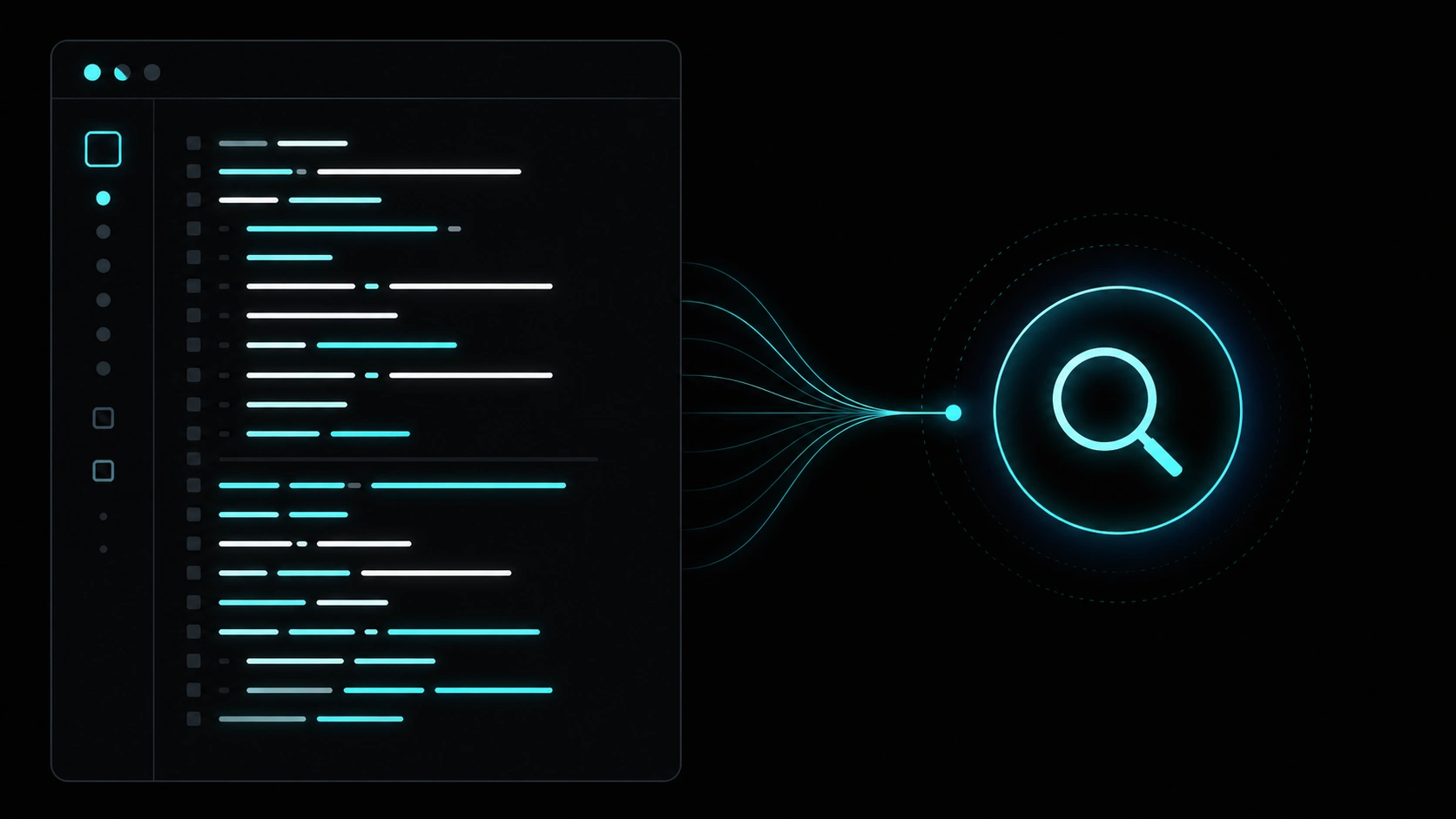
Google recommends JSON-LD: a <script type="application/ld+json"> block in HTML, separate from visible content. It is easier to maintain than microdata sprinkled through every tag.
| Format | Pros | Cons |
|---|---|---|
| JSON-LD | Clean, versionable, ideal for SPAs and SSR | Must reflect real on-page content |
| Microdata | Tied to visible HTML | Verbose; easy to break when templates change |
| RDFa | Flexible for complex XML/HTML | Rare in modern stacks |
Schema types that matter most for SEO
Corporate / agency site
- Organization — name, logo, URL, social profiles (sameAs).
- WebSite — site entity and optional internal search action.
- LocalBusiness — only with a verifiable physical location; do not invent addresses.
Blog and content
- BlogPosting or Article — headline, datePublished, author, image.
- BreadcrumbList — visible breadcrumbs aligned with the URL.
Service landings
- Service — service description, provider (Organization).
- FAQPage — only when questions are visible in HTML (not hidden for bots alone).
E-commerce (when relevant)
- Product, Offer, AggregateRating — real data only; fake reviews hurt.
Prioritize types that match high-traffic templates: home, articles, service pages. Adding ten irrelevant types does not improve rankings.
Rich results: what you can gain (and what you cannot)
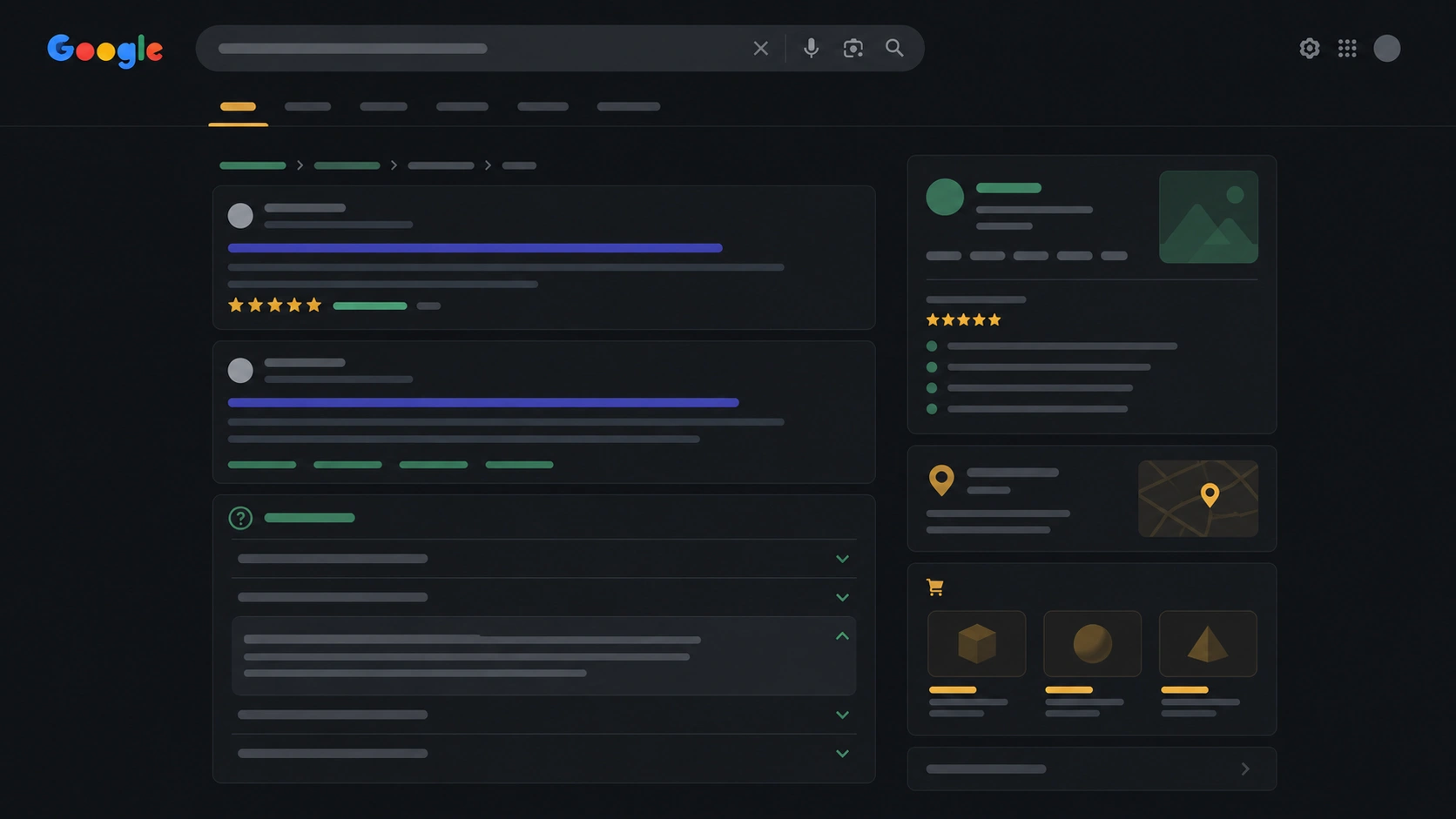
Rich results are snippets with expandable FAQ, stars, breadcrumbs, etc. Google decides whether to show them; schema only makes you eligible.
- Visible FAQ → possible accordion in SERPs (when Google finds it helpful).
- Well-marked article → better understanding; no guarantee of Top Stories carousel.
- Product + genuine reviews → stars in some markets.
Schema does not replace Core Web Vitals or internal links. It is one more piece of the technical puzzle.
How to validate before launch
- Google’s Rich Results Test — live URL or HTML snippet.
- Search Console → Enhancements / structured data — errors and rich-result impressions.
- Manual check: view source and confirm one coherent block per primary type.
- Page alignment: dates, images, and author in JSON-LD must match what users see.
- After each deploy — same as checking canonicals after migrations.
For other technical signals, pair this review with our SEO DevTools for developers guide and, for speed, the practical PageSpeed audit guide.
Common mistakes
- FAQPage without visible FAQ — spam policy risk; Google may ignore the block.
- Duplicating Organization on every URL with conflicting data — confuses Google.
- Empty required fields — image, author, datePublished on articles.
- CMS schema + frontend schema on headless without coordination — duplicates or conflicts.
- Invented Product/Review markup — can trigger manual actions.
- Treating schema as a direct ranking boost — eligibility help, not a guaranteed lift.
FAQ
Is Schema.org required to get indexed?
No. Pages without schema index normally. Structured data improves understanding and sometimes SERP presentation.
Does Next.js include Schema.org by default?
Not automatically on every route. It depends on how you build metadata and scripts per template, or what your CMS exposes via API.
Does Yoast still matter for schema in headless?
Many headless setups read SEO fields from the CMS (title, meta, opengraphImage). JSON-LD may be generated on the frontend, in the CMS, or both — one coherent source of truth matters most.
How many schema types per page?
One clear primary type (Article, Service, FAQPage…) plus logical nested types (Organization as publisher). Avoid listing types unrelated to the content.
How often should I review it?
On every new template, redesign, or CMS change. Quarterly on stable sites, as part of the schema step in a technical audit.
Want more technical guides in English and Spanish?
On the Veloce Devs blog we publish articles on technical SEO, performance, headless setups, and automation — with links to tools and service landings.